
How To
How to Track Affiliate / Referral Sales in WP e-Commerce Shopping Cart Plugin for WordPress
I’ve been using the WP e-Commerce Shopping Cart plugin for WordPress for a few years now. Unfortunately there isn’t much in the way of affiliate

How To
WordPress Recent Comments with Excerpt and Gravatar
I build a lot of WordPress websites and it’s great that there are so many plugins available for various functions, but sometimes I run into
How To
How to Create a Simple Javascript popup window
Sometimes on your website you may want to open some content in a popup window rather than a new page, which allows the visitor to
How To
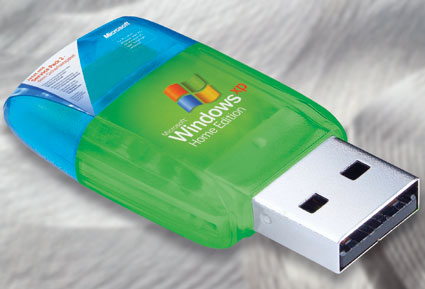
Install Windows XP from USB Flash Drive
I decided to opt for installing Windows XP via a USB Flash drive. I didn’t have an external DVD drive available. After following various complicated tutorials (which never did fully work for me) I found a very simple way to take the resulting Windows install files created by nLite (or copied from your Windows install disc) and create a bootable USB Flash drive
How to Find the Absolute Path on Your Web Server
From time to time, especially when moving a website from one server to another, I have to find out what the “absolute path” of my website is. Absolute path pertains to the directory on the server that the website is installed on…
How to remove blank lines in dreamweaver
As I am creating websites I sometimes come across situations that require a more than basic knowledge and a bit of research to figure out.
I Finally Figured Out How to Accomplish More in a Day!
The key to doing more during a 24-hour day is DOING LESS! Here are some tips that have been working for me in my quest to have a more productive day…